Meeting minutes template
Use a simple meeting minutes template to capture decisions, assign action items, and keep every meeting organized and productive with actionable next steps for your team.
Create your templateSign up to create your own template.
INTEGRATED FEATURES
Recommended apps


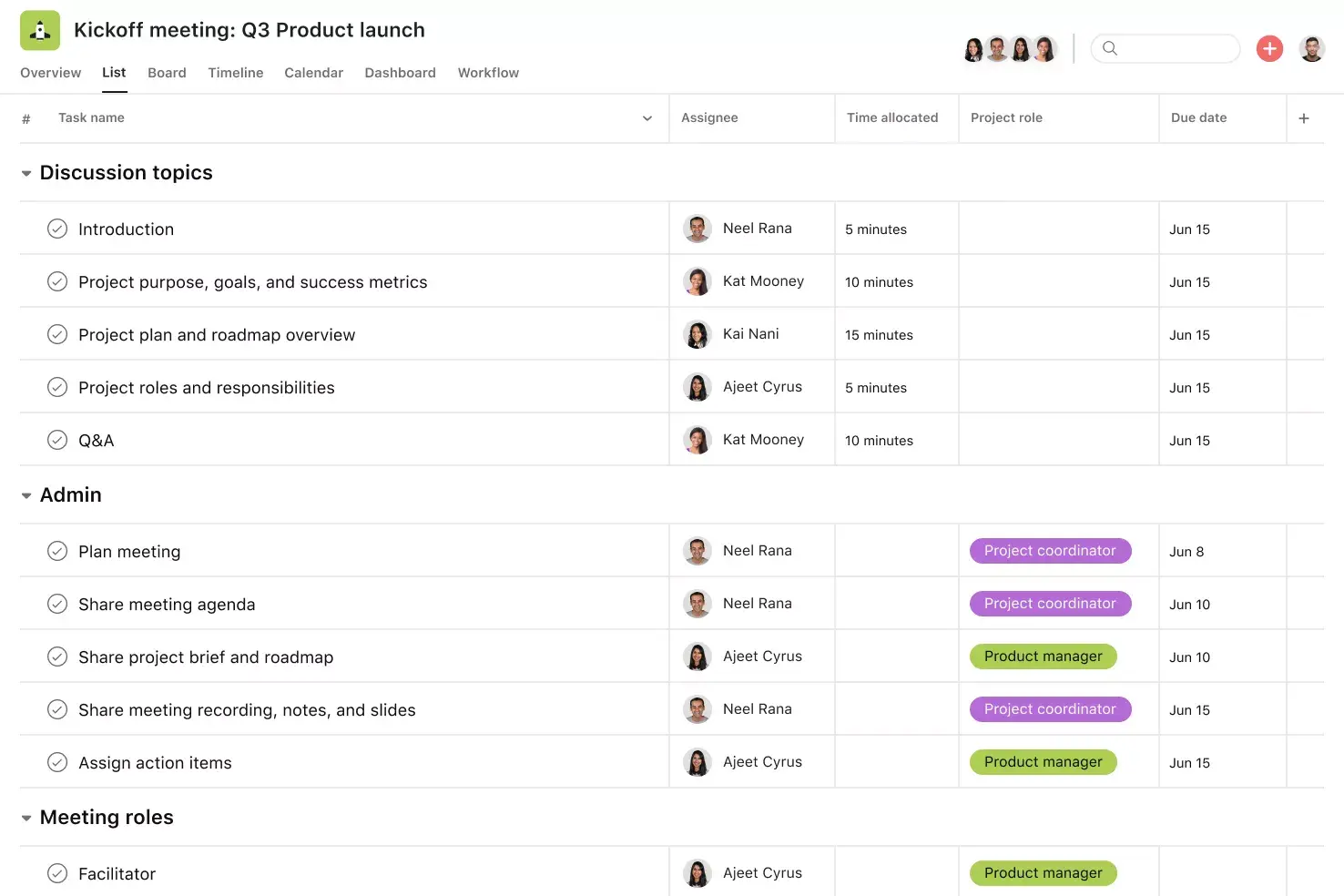
![[Product ui] Meeting minutes project in Asana, spreadsheet-style project view (List)](https://assets.asana.biz/transform/f74f6646-acdc-4f84-baed-aecadafecb77/TG23-web-hero-020-meetingminutes-static-2x?io=transform:fill,width:2560&format=webp)
Summary
Most teams hold meetings, but not all of them keep track of what happens. If you don't have a clear record of decisions and next steps, even a productive meeting can lose its impact once it's over.
A meeting minutes template helps by giving you a simple, repeatable way to record what was discussed, what was decided, and who is responsible for follow-up. In this article, you'll find out what meeting minutes are, see different template options, look at real examples, and learn tips for writing minutes that help your team get things done.
What are meeting minutes?
Meeting minutes are a written record of the key decisions, discussion points, and action items from a meeting. Despite their name, they have nothing to do with meeting length. Their purpose is to document what was discussed, what was decided, and who is responsible for the next steps, so your team has a clear reference to act on after the meeting ends.
Meeting minutes are different from meeting notes, which are informal and don't follow a set structure. Typically, you'd use detailed meeting minutes for formal meetings like company-wide updates, and meeting notes for casual settings like recurring 1:1s. That said, if you like the structure of meeting minutes as much as we do, you can adjust the format to work with most meeting types.
Standard meeting minutes templates should include:
The date and time of the meeting
Meeting attendees, including present and absent members
Important discussion points
Decisions made during the meeting
Resulting action items and next steps
The date and time of upcoming meetings
What is a meeting minutes template?
A meeting minutes template is a reusable tool that helps you organize, track, and share meeting records across your team. Using a template makes it easier to take notes, gives your meetings structure, and keeps everyone in the loop. With a good template, your meetings are more likely to move projects forward, rather than feeling like they could have just been an email.
Create a meeting minutes templateBenefits of a meeting minutes template
If you feel like you're wasting time in meetings, it's probably because you are. According to the Anatomy of Work Index, workers spend 129 hours a year in unnecessary meetings. That doesn't even account for the busywork of scheduling, drafting agendas, and getting attendees on the same page.
Creating a meeting minutes template can help reduce the upfront work required to plan and prepare for meetings. From scrap paper and notes templates to documents and spreadsheets, there are many ways you can keep track of your meeting minutes. But using a project management tool will give you the greatest advantage, since it lets you set up a templated version of your meeting minutes that you can duplicate across teams and meetings.
Digital meeting minutes templates are always up to date, so you never have to worry about using an outdated version. They're easy for everyone on the team to access and don't require manual follow-ups, saving even more time when setting up meetings and taking notes. Digital meeting minutes templates include:
Keep track of all your meeting agendas and notes in one place
Store meeting minutes in an easily accessible location for all team members
Give visibility to stakeholders who may not be able to attend every meeting
Turn action items into tasks and tag relevant team members for accountability
Document important decisions and quickly access historical meeting minutes for future reference
Track the progress of work that results from meetings, so nothing falls through the cracks
Types of meeting minutes templates
Not all meetings need the same amount of detail. The best template depends on why you're meeting, who is there, and how formal the meeting is.
Formal board meeting minutes
Best for: Board meetings and annual general meetings
Level of detail: High — includes motions, votes, and legal records
Standard team meeting minutes
Best for: Recurring team syncs and cross-functional meetings
Level of detail: Medium — covers agenda, decisions, and action items
Informal meeting notes
Best for: 1:1s, brainstorms, and quick syncs
Level of detail: Low — captures key takeaways and follow-ups
Project kick-off meeting
Best for: New project launches
Level of detail: Medium — documents scope, roles, and milestones
Retrospective meeting
Best for: Sprint reviews and post-project debriefs
Level of detail: Medium — focuses on learning and improvements
Here's a closer look at each type:
Formal board meeting minutes template: Designed for board of directors meetings, this template includes sections for roll call, approval of previous minutes, committee reports, motions, voting outcomes, and adjournment details. It follows a structured, parliamentary format that ensures proper documentation for legal and compliance purposes.
Standard team meeting minutes template: Ideal for recurring team meetings, this template covers the agenda, key discussion points, decisions, action items with owners and due dates, and next meeting logistics. It's flexible enough for most cross-functional or departmental meetings.
Informal meeting notes template: Best for 1:1s, brainstorms, or quick syncs where a lighter-touch record is all you need. This format captures key takeaways and follow-ups without the formality of a full-minute document.
Project kick-off meeting template: Use this template at the start of a new project to document the project scope, team roles, milestones, timelines, and initial action items so everyone starts aligned.
Retrospective meeting template: This template helps teams capture what went well, what could improve, and specific action items for the next cycle, making it useful for sprint reviews or post-project debriefs.
No matter which template you use, the main goal is to record decisions, assign next steps, and give your team a clear record to look back on.
Meeting minutes examples
Looking at a finished example can help you fill out your own template. Here’s what a typical team meeting minutes example might look like.
Example: Weekly marketing team meeting
Date: April 15, 2026
Time: 10–10:45 am
Attendees: Jamie L. (facilitator), Sam R., Priya K., Marco D.
Absent: Taylor W.
Agenda and discussion:
Q2 campaign update
Email campaign is on track for next week’s launch
Team will finalize the subject line by the end of the day on Wednesday
Blog calendar review
Scheduling conflict flagged
Product post moved to the following Thursday
Event planning
Webinar status shared
Registration page copy still needs review
Action items:
Finalize email subject line — Sam (April 17)
Update blog calendar and notify stakeholders — Priya (April 16)
Share registration page draft with Jamie — Marco (April 18)
Next meeting: April 22, 2026, 10 a.m.
This example follows a standard format, but you can adjust the level of detail based on your meeting's formality. A board meeting may need more structure, while a weekly sync can be lighter. The key is consistency, so every meeting produces a record your team can act on.
How to use a meeting minutes template
Digital meeting minutes templates are easy to create and use. To start, create a basic template with the following sections:
Basic meeting information: The project or team name, the meeting's purpose, the date of the meeting, the meeting attendees, and any relevant logistics information
Agenda items: Meeting topics to discuss, who leads each discussion, and the amount of time allotted for the topic
Action items: Any takeaways and action items that come out of the meeting, including the task, the owner, and the due date
Upcoming meeting information: Relevant information about the next meeting, including its time and date
From here, you can adjust your template depending on the type of meeting you're using it for. As you move through your meeting, check off discussion topics you've covered and add any action-driven decisions to the "action items" section. Then, assign these tasks to owners once the meeting is over, and watch all that talk turn to action.
Read: What are after action reviews (AARs)?Best practices for effective meeting minutes
Having a template is a great start, but how you use it matters just as much. Follow these best practices to make your meeting minutes more useful for your team:
Prepare before the meeting: Review the agenda in advance and set up your template with known discussion topics. This way, you can focus on capturing decisions and action items during the meeting rather than scrambling to organize notes afterward.
Use a consistent format: Stick to the same template structure from meeting to meeting. Consistency makes it easier for your team to scan and find the information they need, especially when referencing past meetings.
Focus on decisions and action items, not dialogue: Your minutes should capture what was decided and what needs to happen next, not a word-for-word transcript. Summarize discussion points briefly and prioritize recording outcomes, owners, and deadlines.
Assign clear owners and deadlines: Each action item should have a specific owner and a due date. Without clear ownership, follow-through drops and momentum stalls.
Distribute minutes within 24 hours: Share your meeting minutes promptly while the conversation is still fresh. This keeps everyone aligned and gives absent team members a chance to catch up quickly.
Know what not to include: Avoid recording personal opinions, side conversations, or off-topic commentary. Keep your minutes focused on objective summaries of discussions, decisions made, and assigned next steps.
Turn your meeting minutes into action with Asana
Capturing meeting minutes is only half the job. The real value comes when decisions turn into tasks and action items get done. Asana helps you bridge that gap by connecting your meeting records to real, trackable work.
Integrated features
Subtasks. Break complex action items into smaller, assignable components while keeping them connected to the parent task for full context.
Milestones. Set important project checkpoints so your team and stakeholders can see how you're pacing toward your goal.
Dependencies. Mark tasks as waiting on other tasks so your team knows what's blocking progress. When a dependency is completed or rescheduled, Asana automatically notifies the right people.
Adding tasks to multiple projects. Track and manage action items across teams without duplicating work, so everyone sees tasks in context and knows who's responsible.
Recommended apps
Zoom. Create tasks directly within Zoom during meetings so action items don't get lost. Once the call ends, transcripts and recordings are automatically synced back into Asana.
Clockwise. Add Asana tasks as time blocks in your Google Calendar, with the option to set durations and let Clockwise automatically reschedule them.
Gmail. Create Asana tasks directly from your inbox with full email context included. You can also search for existing tasks without leaving Gmail.
Microsoft Teams. Search, create, and assign Asana tasks without leaving Teams. You can even manage tasks during a Teams meeting without switching to your browser.
Ready to turn your meeting minutes into real progress? Get started with Asana and keep every action item on track.
Create a meeting minutes templateFAQs about meeting minutes templates
What types of meetings should use meeting minutes templates?
How do I write an effective meeting agenda?
What should I include in my meeting minutes template?
How do you create tasks based on action items from the meeting?
How can a meeting minutes template help me run more efficient and effective meetings?
Is there a meeting minutes template in Microsoft Word or Google Docs?
Who should take meeting minutes during a meeting?
Related templates
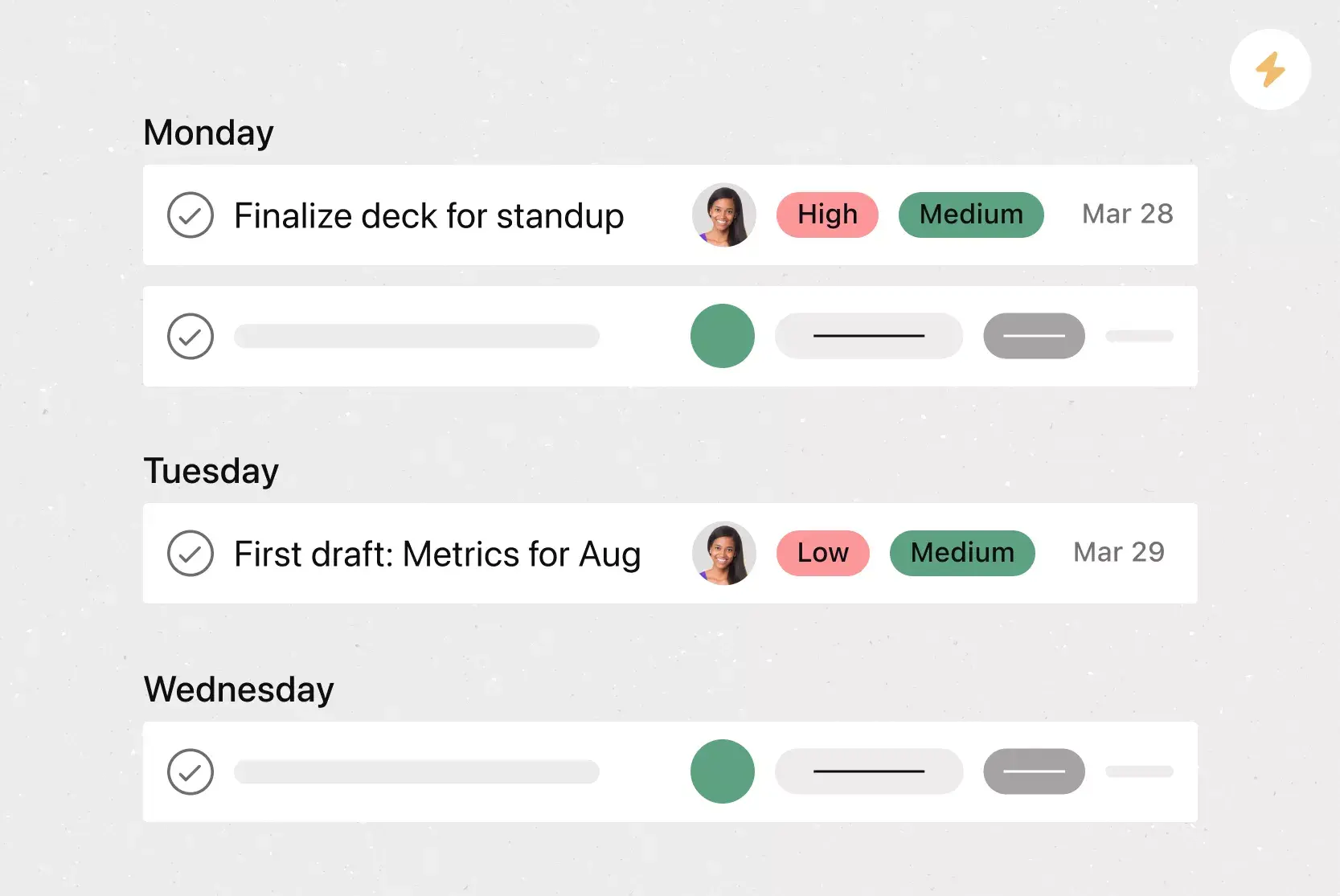
![[Templates] Meeting agenda (Card image)](https://assets.asana.biz/transform/f9fa4005-1bcf-43d0-b78a-55f8f84c3569/TG23-web-thumbnail-026-kickoff-meeting-static-2x?io=transform:fill,width:2560&format=webp)
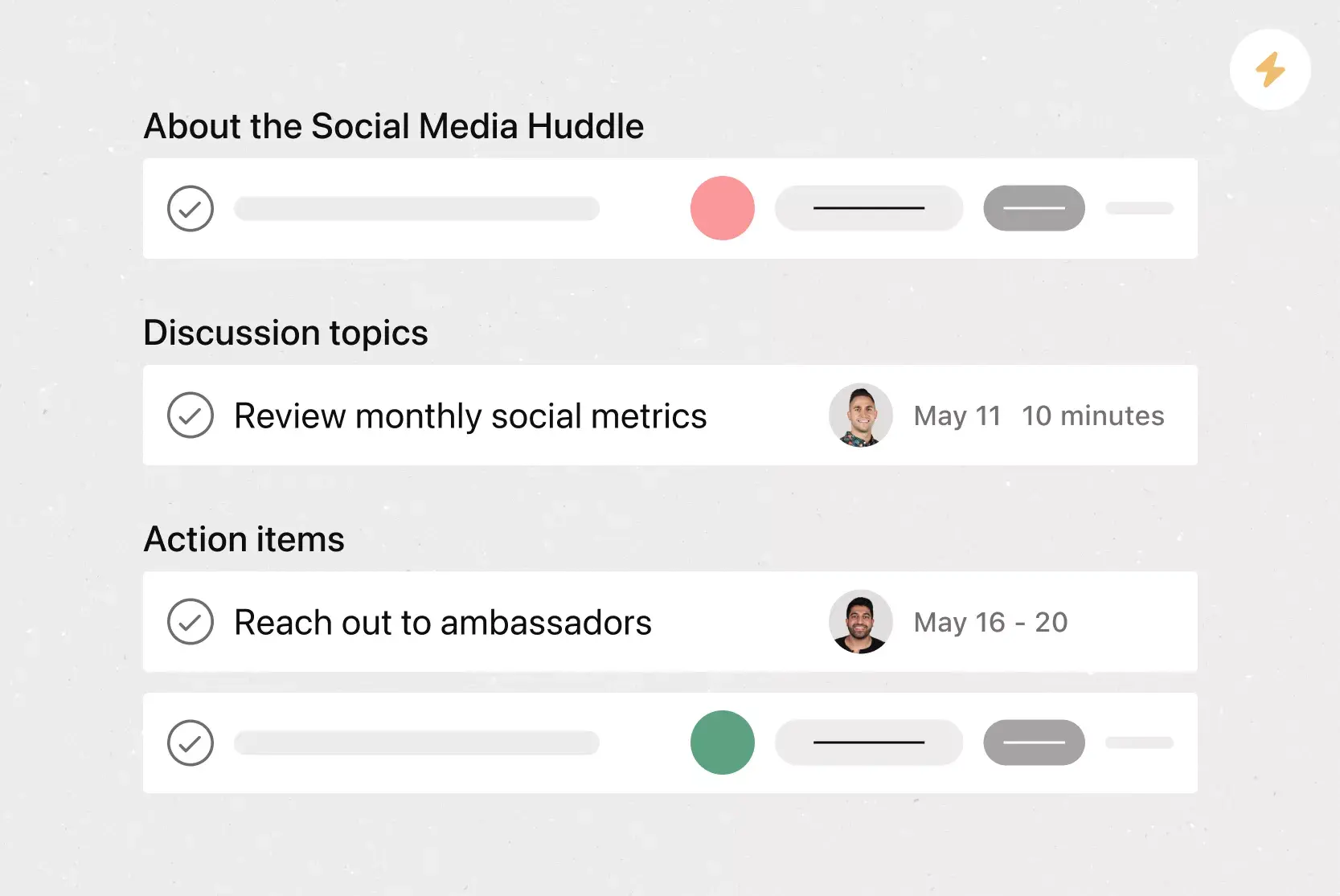
![[Templates] Conference agenda](https://assets.asana.biz/transform/5a4fbf8a-4ae5-49ee-bba6-beb4dc28ac81/TG23-web-thumbnail-conference-agenda?io=transform:fill,width:2560&format=webp)
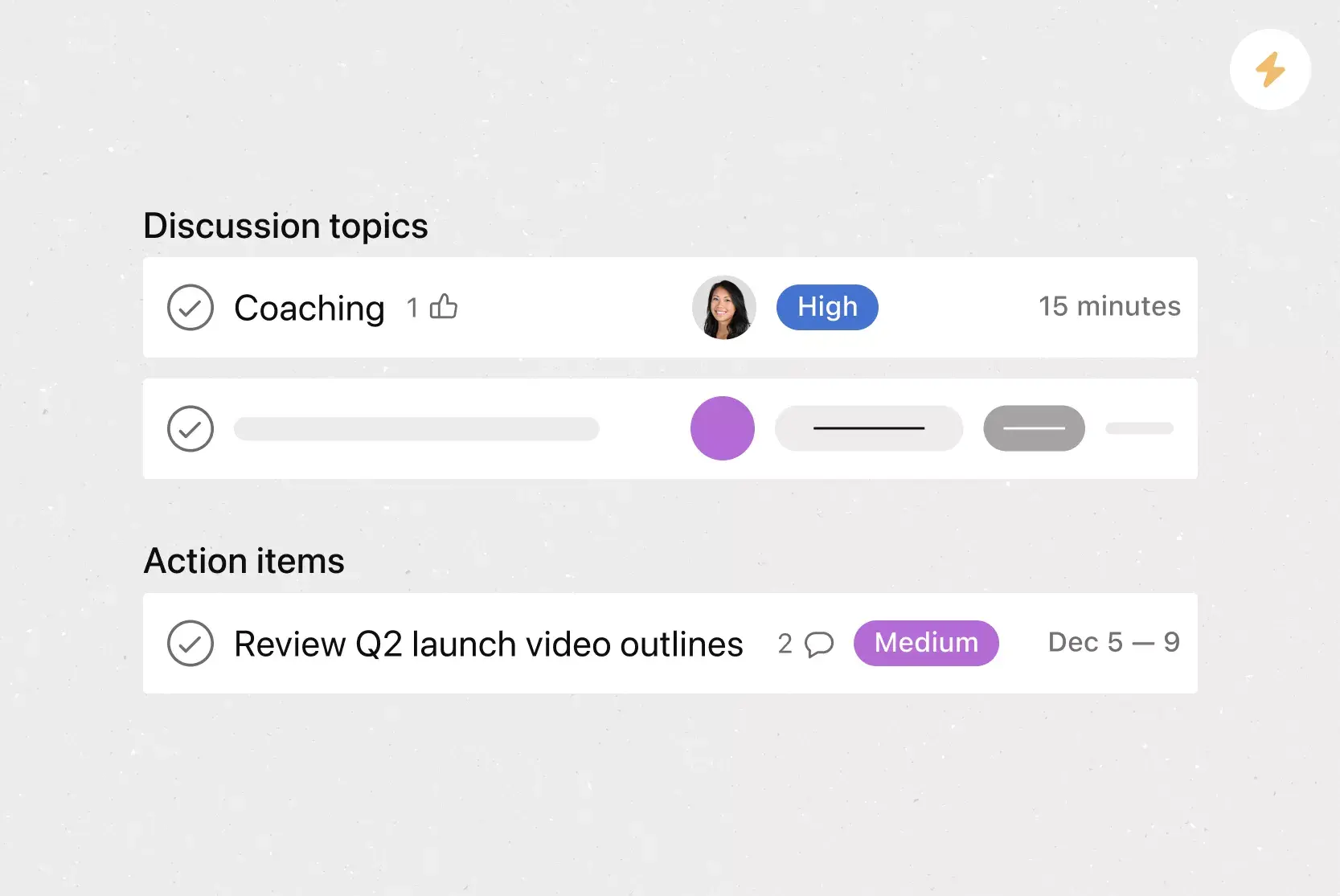
![[Templates] Team Brainstorm (Card image)](https://assets.asana.biz/transform/889d64ca-6f95-485f-888a-b015a0932852/TG23-web-hero-049-launch-post-mortem-thumbnail-2x?io=transform:fill,width:2560&format=webp)

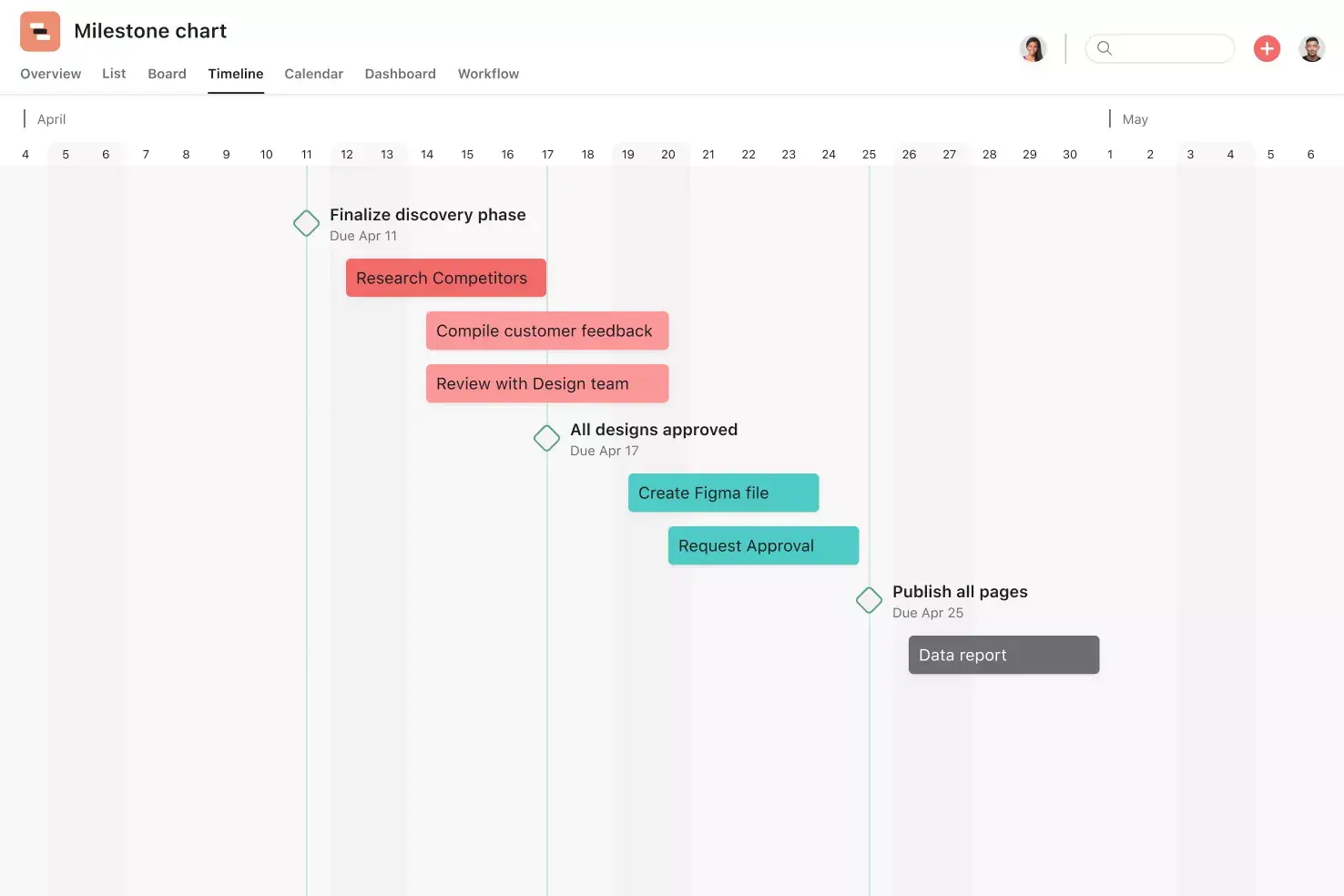
![[Templates] Board meeting agenda (Card image)](https://assets.asana.biz/transform/52921779-e705-44a8-96ed-ec80c021aa9e/operationsteams-board-meeting-agenda-m-premium?io=transform:fill,width:2560&format=webp)
Create templates with Asana
Learn how to create a customizable template in Asana. Get started today.